Buyer's Registration & Sign-In
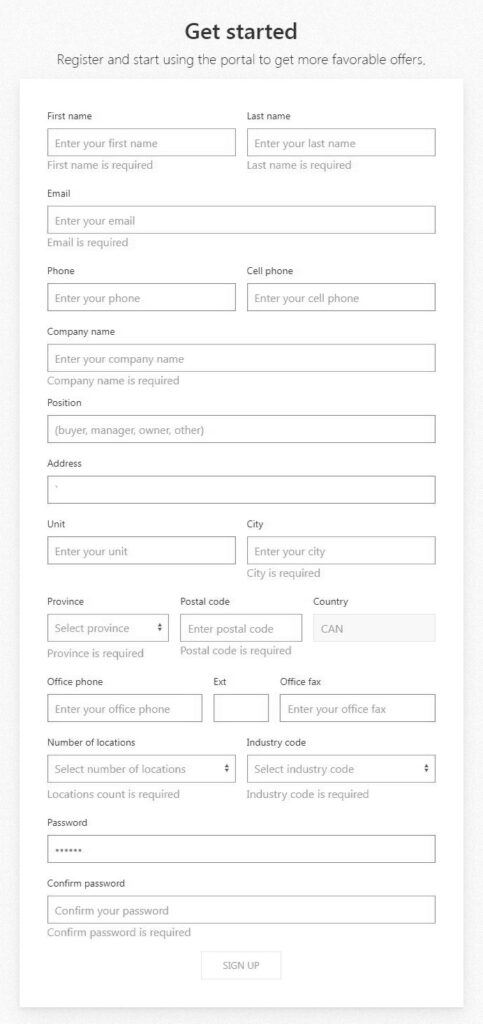
Buyers Registration
All Buyers have to be register in order to get all the pricing information and be able to place orders.
To register, click on Registration button on the right hand side of the Top menu.
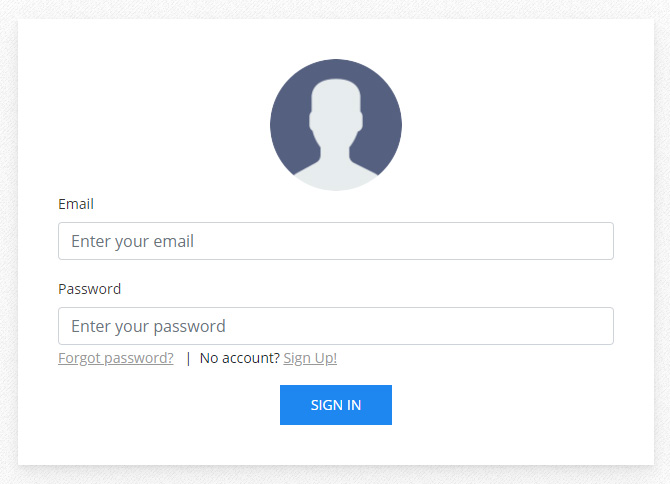
Sign-In
Once registered, all buyers can sign-in to the system by clicking in Sign-In button on the right hand side of the Top menu.
Suppliers
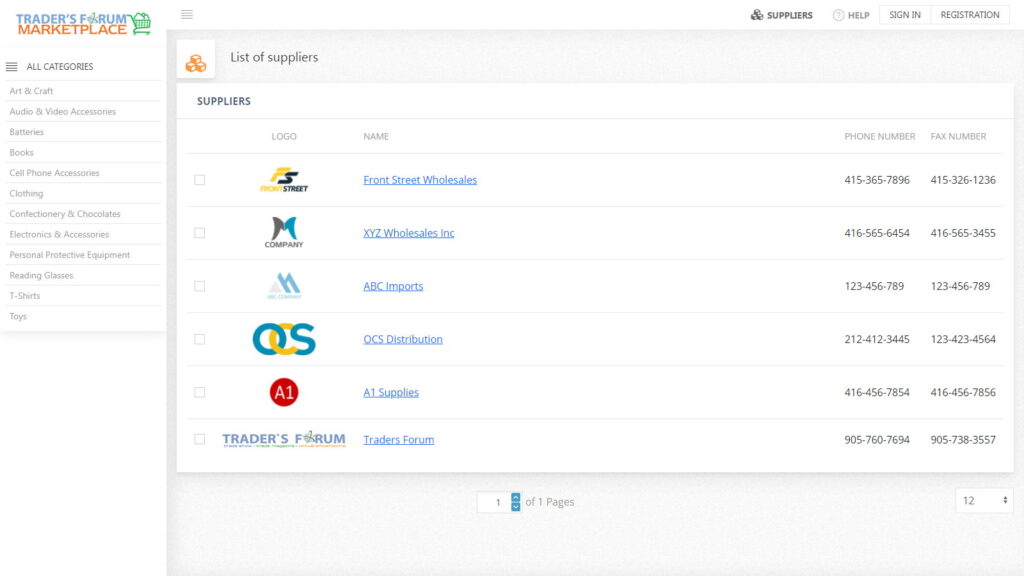
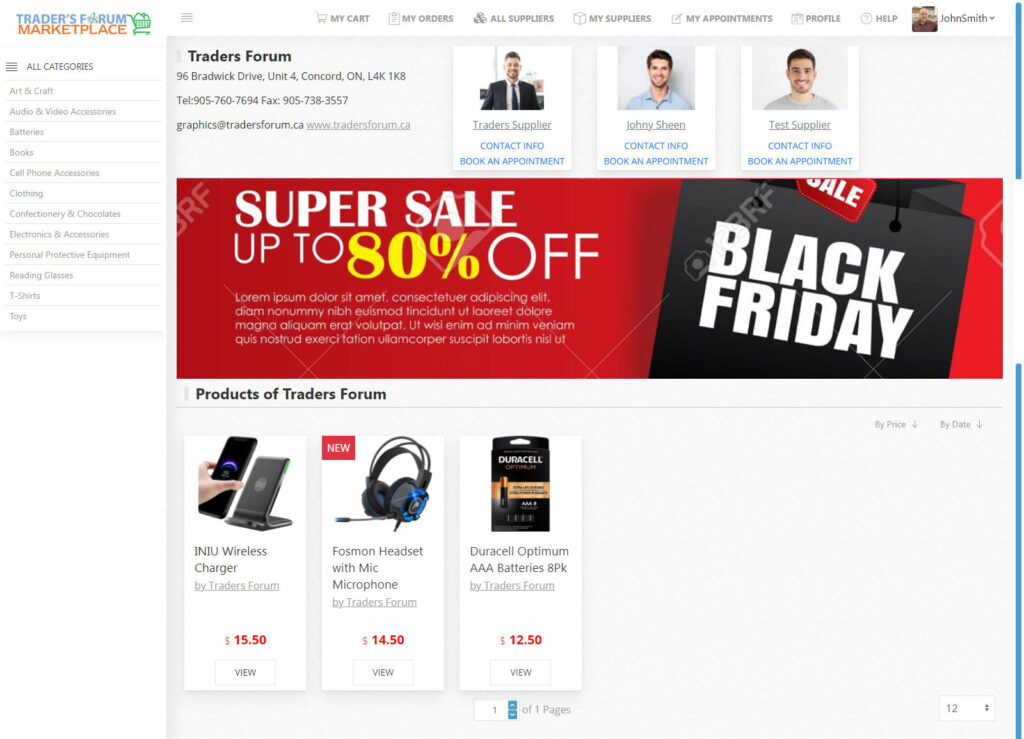
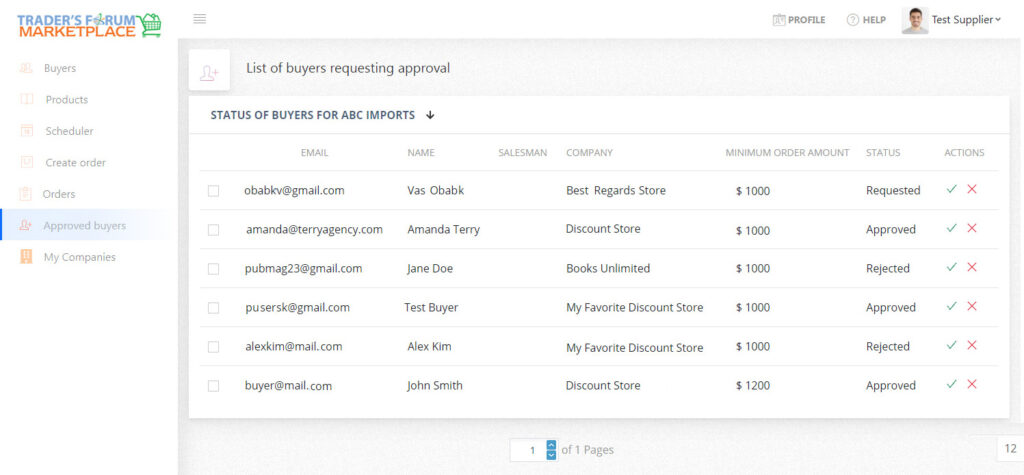
To be able to show all the prices and place orders, buyers have to be Approved by the Supplier.
To send a request, visit a Supplier’s Showroom and click on Approve Me button.
A request will be sent to a Supplier.
Products
Orders
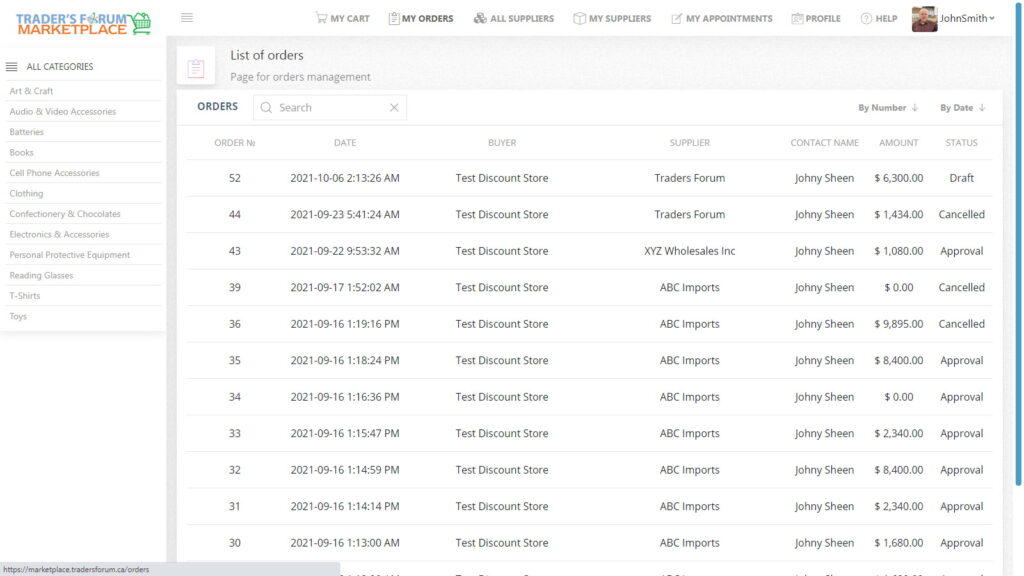
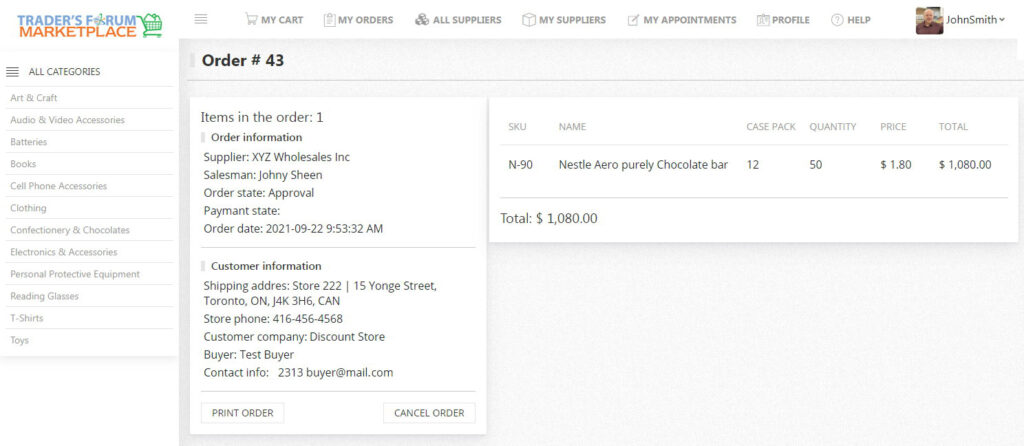
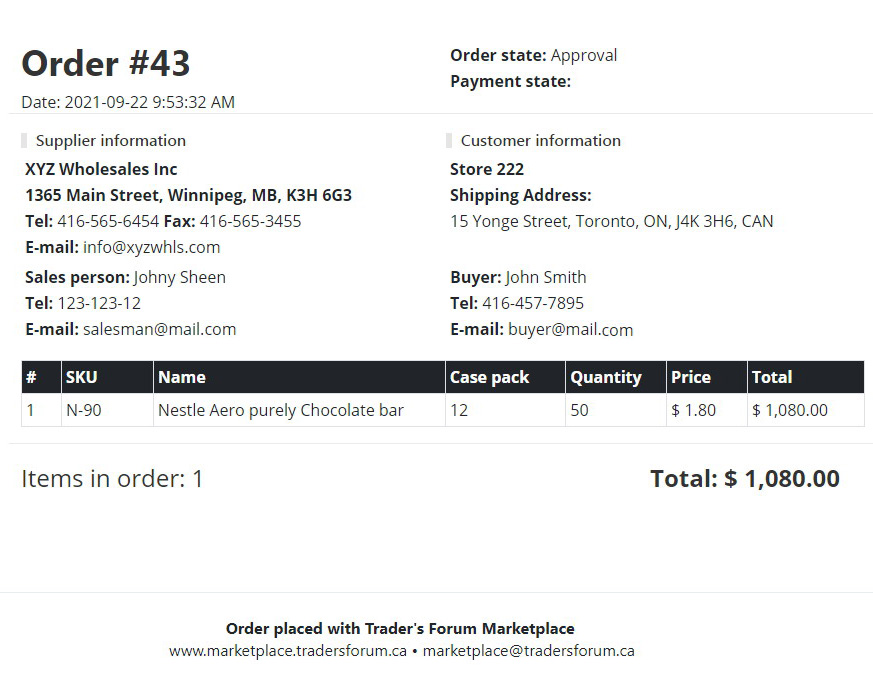
This section shows the List of orders. By clicking on any order, you’ll be leaded to the order details.
To Cancel the order
- Click on My Orders
- To View the order click on
 view button
 - To Cancel the order click on
 Delete button
My Appointments
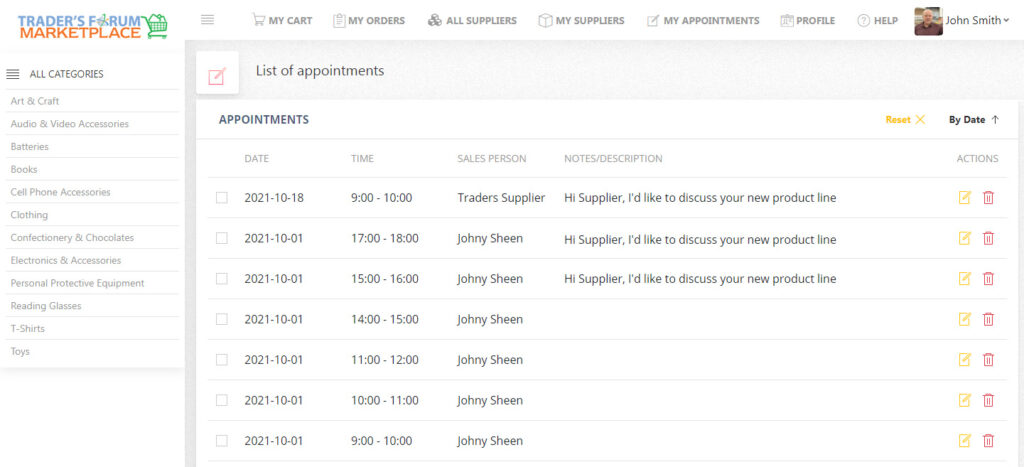
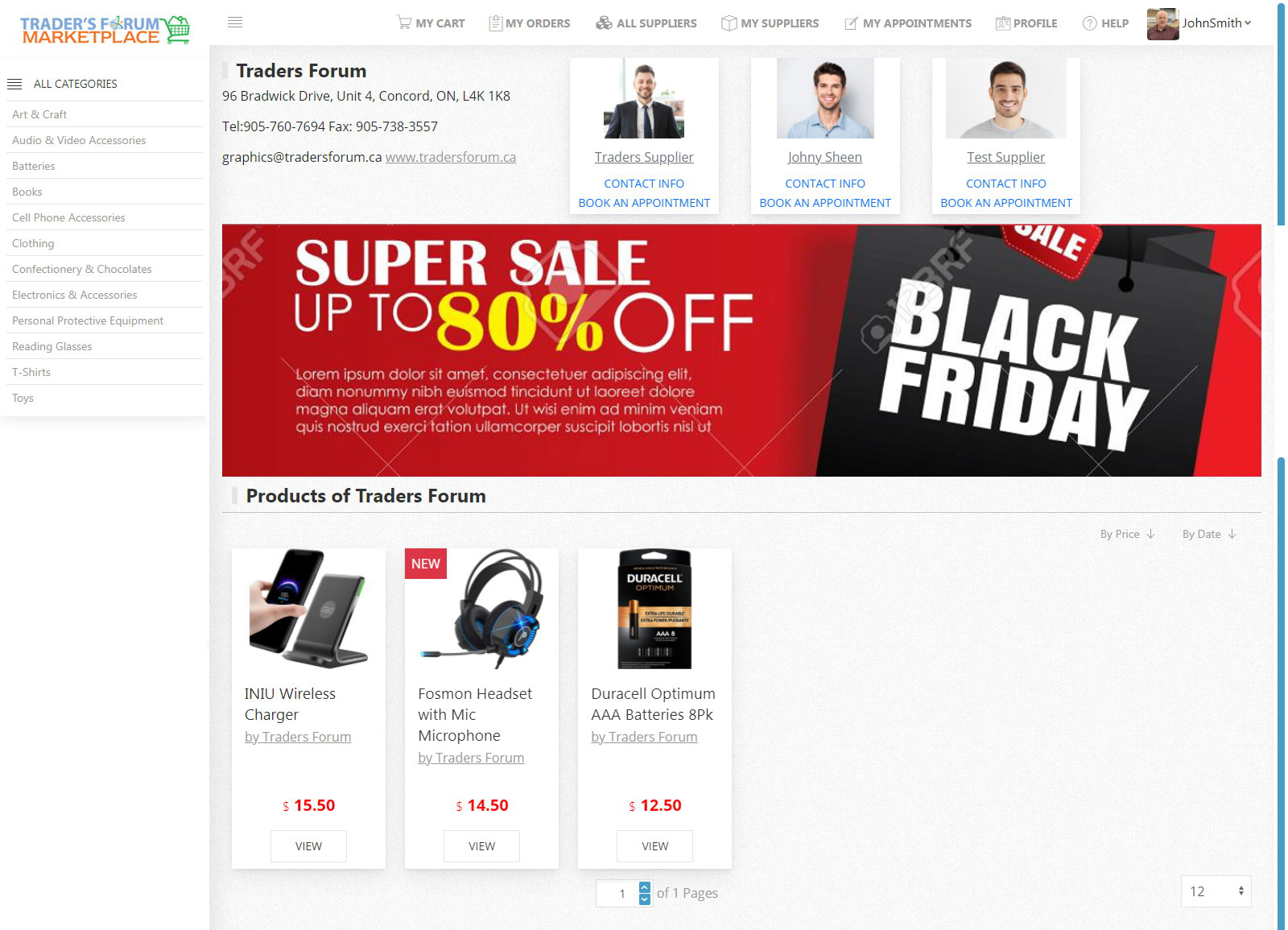
To book an appointment
- Open Suppliers Showroom
- Select a Sales Person and click on Book an Appointment
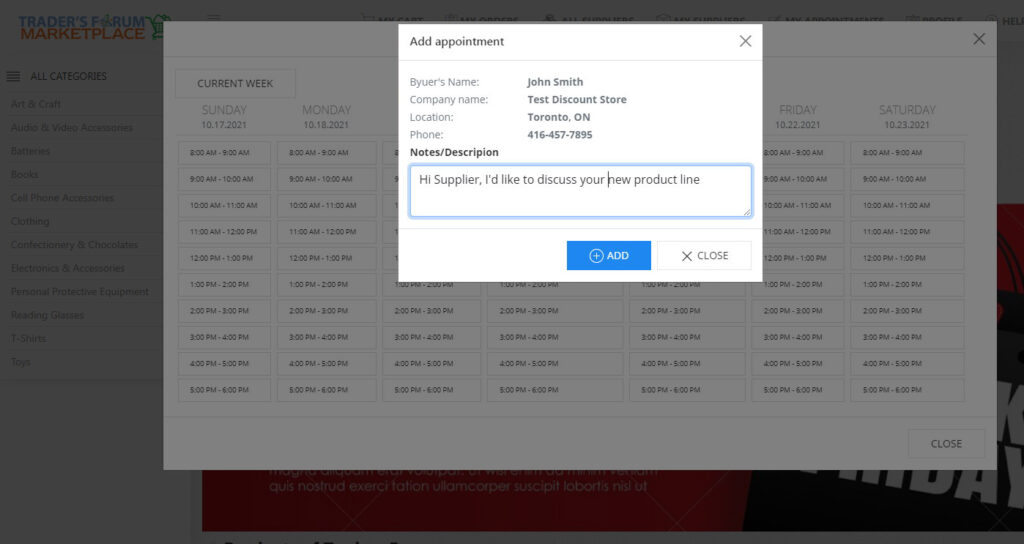
- Click on selected a time slot
- Add Notes/Description if necessary
- Click on Add button to complete your booking
- A confirmation email will be sent to you and a sales person
To Edit or Cancel the appointment
- Click on My Appointments
- Select a record and:
- To Edit the Notes / Description click on Edit button
- To Delete/ Cancel an appointment, click on Delete button
User's Profile
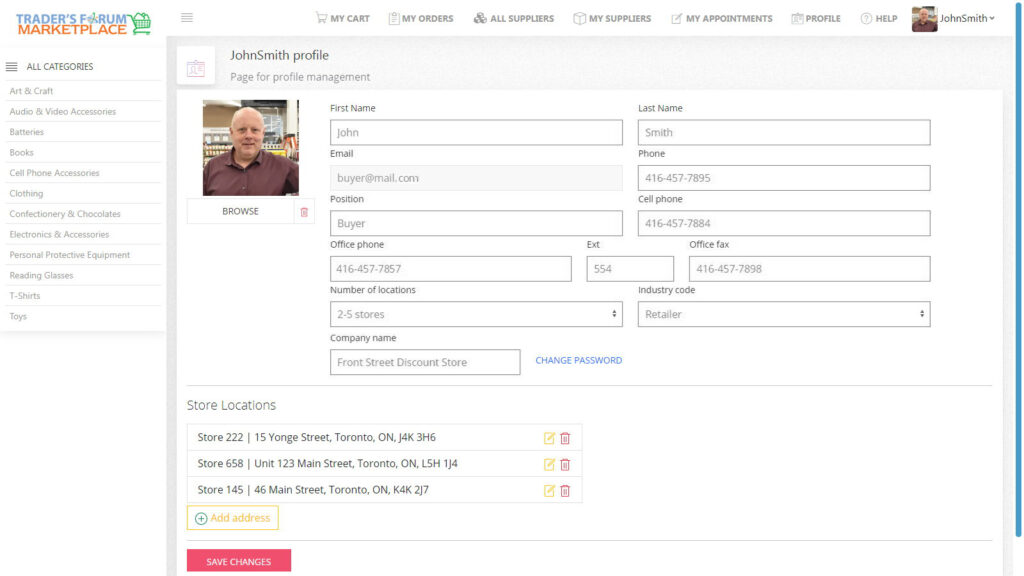
To add Store Location(s):
- Click on PROFILE to open Buyer’s info
- In the Store Locations section click on Add address
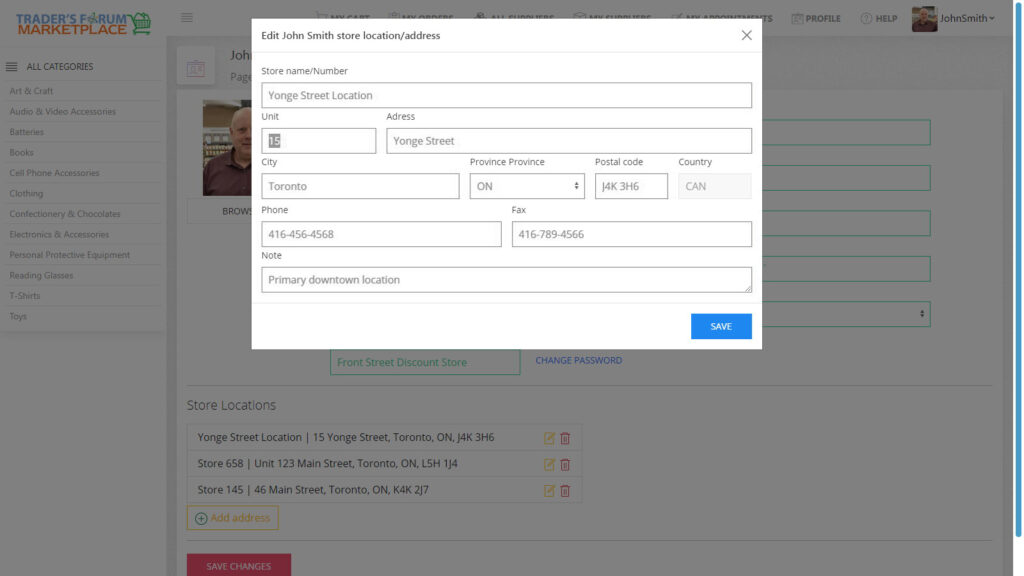
- Fill in Store Name and store address
- Click on Save to save the info
- If more than one location required, repeat steps 2 – 4
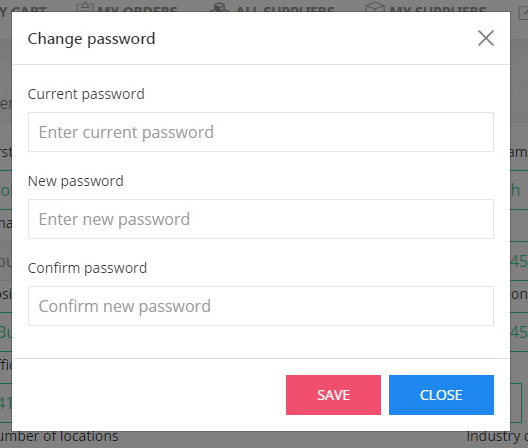
To change a Password, do the following:
- Click on Profile
- Click on Change Password to open the form
- Choose a save a new password